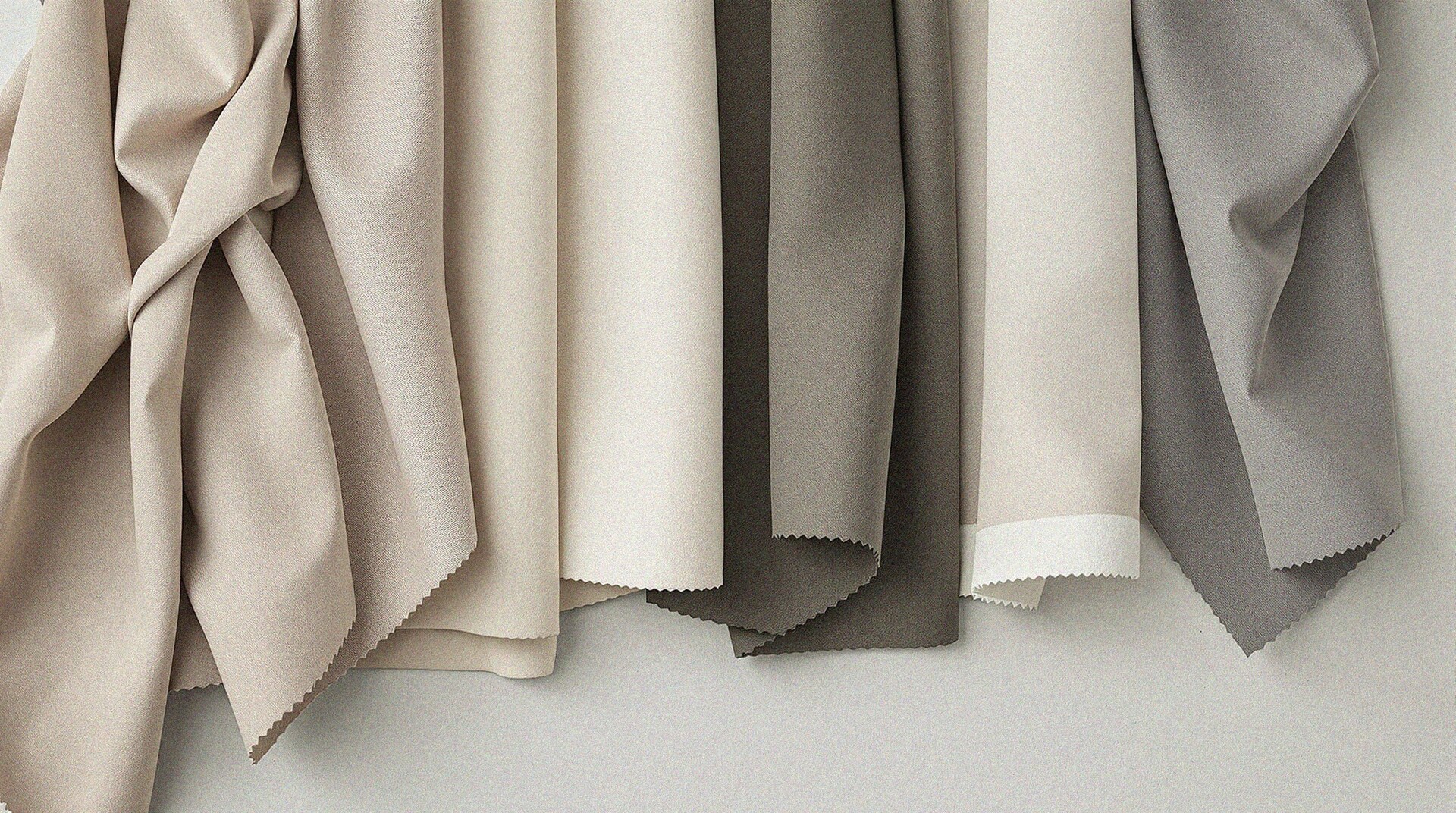
The Psychological Shift of the Seasonal Pivot
There is a specific morning every March when the light changes. The heavy, charcoal wools and deep espresso knits that felt like a protective cocoon in January suddenly look tired and out of sync with the morning sun. This isn't just a change in weather; it is a shift in your personal energy.
In the world of professional styling, we call this the Palette Reset. It is the process of intentionally rotating your wardrobe's color dominance to reflect the natural environment while maintaining your personal harmony. When you manage your wardrobe through Vitrina, this transition becomes a data-driven art form rather than a weekend chore.
Updating your digital closet ensures that when you wake up and check your daily outfit suggestions, you aren't met with a black turtleneck on a 65-degree day. Instead, you see a curated selection that feels lighter, brighter, and perfectly aligned with your complexion.
---
Step 1: Auditing Your Winter Inventory
Before adding anything new, you must clear the visual clutter. Your Vitrina dashboard likely currently features a sea of 'Winter Neutrals'—think navy, forest green, and burgundy. While these shades are classic, they can weigh down your digital interface as the season shifts.
The Archiving Workflow
Open your Vitrina inventory and filter by 'Heavyweight' or 'Outerwear.' Use the bulk-select tool to move your heavy wool coats, thermal base layers, and chunky dark knits into the 'Archive' folder. Archiving is superior to deleting because it preserves the data of what you own while removing those items from the active outfit generation pool.Identifying the 'Bridge' Colors
Not every winter item needs to be hidden away. Identify your 'Bridge' colors—the neutrals that work year-round. For a Cool Summer, this might be your soft greys; for a Warm Autumn, it is your cream linens. Keep these active in the app to serve as the foundation for your spring layers.---
Step 2: Re-Syncing with Your Color Analysis
One of the most powerful features of Vitrina is the integrated color analysis tool. As we move into spring, the way light hits your skin changes, and your 'Power Colors' shift in priority. If you haven't run a scan in a few months, now is the time to recalibrate.
Refine Your Seasonal Profile
Spring colors are characterized by their clarity and warmth. If you are a Clear Spring, your app should prioritize vibrant poppies and bright aquas. If you are a Light Summer, focus on dusty pales and lavender. Vitrina uses these profiles to tag your clothes with high-accuracy color metadata, ensuring that the 'Match' score for any outfit remains high.The 'Power Color' Strategy
Pick three shades from your personal palette that feel like 'Spring' to you. For 2026, we are seeing a resurgence of Butter Yellow, Frosted Mint, and Apricot Crush. Update your 'Favorites' in the app to include these tags. This tells the algorithm to prioritize these hues when it builds your daily looks.---
Step 3: Integrating Your Spring 'New Arrivals'
As you begin to pull your spring bins out of storage or perhaps integrate a few new purchases, your digital entry needs to be precise. The 'Freshness' of an outfit depends on how well the digital twin matches the physical garment.
High-Fidelity Uploads
When adding spring items, ensure you are capturing photos in natural morning light. This allows Vitrina to accurately categorize the undertones of that new sage green blazer. If the app detects a clash between a new item and your established color profile, it will flag it, helping you avoid 'buyer's remorse' before you even remove the tags.Weather-Responsive Planning
Spring weather is notoriously temperamental. Use the Weather Sync feature to bridge the gap. By tagging your silk skirts and cotton sweaters correctly, the app will know to suggest a trench coat (a bridge item) over a floral midi dress when the forecast predicts a morning drizzle. This prevents the frustration of dressing for the sun only to be caught in the cold.---
Step 4: The Strategic Color Pop
The goal of a Palette Reset isn't to replace your entire wardrobe. It is to change the ratio of colors. A successful transition usually follows the 70/30 rule: 70% dependable neutrals and 30% seasonal power colors.
Real-World Example: The Corporate Creative
Imagine you are a 'Deep Winter' moving into Spring. You don't have to wear pastels if they wash you out. Instead, use Vitrina to pair your charcoal trousers with a crisp, icy-blue button-down. The app will recognize the high-contrast harmony and suggest a silver loafer to keep the look light yet professional.Real-World Example: The Weekend Minimalist
For the 'Warm Spring' user, the app might suggest moving away from camel coats and toward oatmeal-colored knit vests paired with a bright coral silk scarf. These small shifts in the digital inventory lead to a significant impact on how you feel when you look in the mirror.---
Maintaining the Flow
A digital closet is a living entity. Every Sunday, take two minutes to review the 'Style Insights' tab in Vitrina. If the app notices you haven't worn your dark navy blazer in two weeks, it might suggest a 'Spring Refresh' pairing—perhaps with white denim and a tan belt.
By staying ahead of the seasonal shift, you eliminate the 'closet paralysis' that often happens during transitional weather. Your wardrobe remains a curated collection of pieces that don't just fit your body, but harmonize with the light, the temperature, and your unique skin tone.